
Press Kit
Press materials are available in English only
About Zero Duplicates
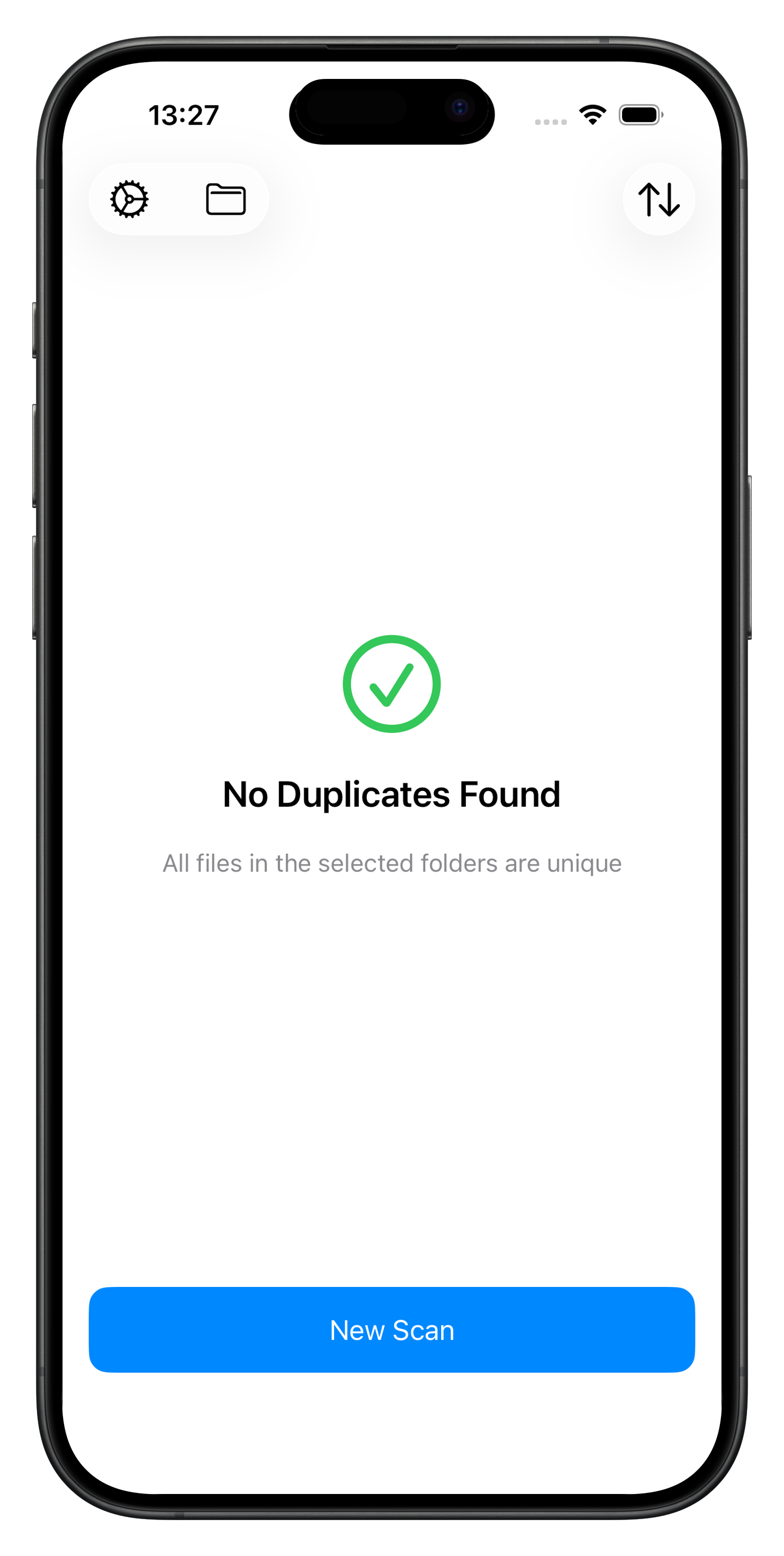
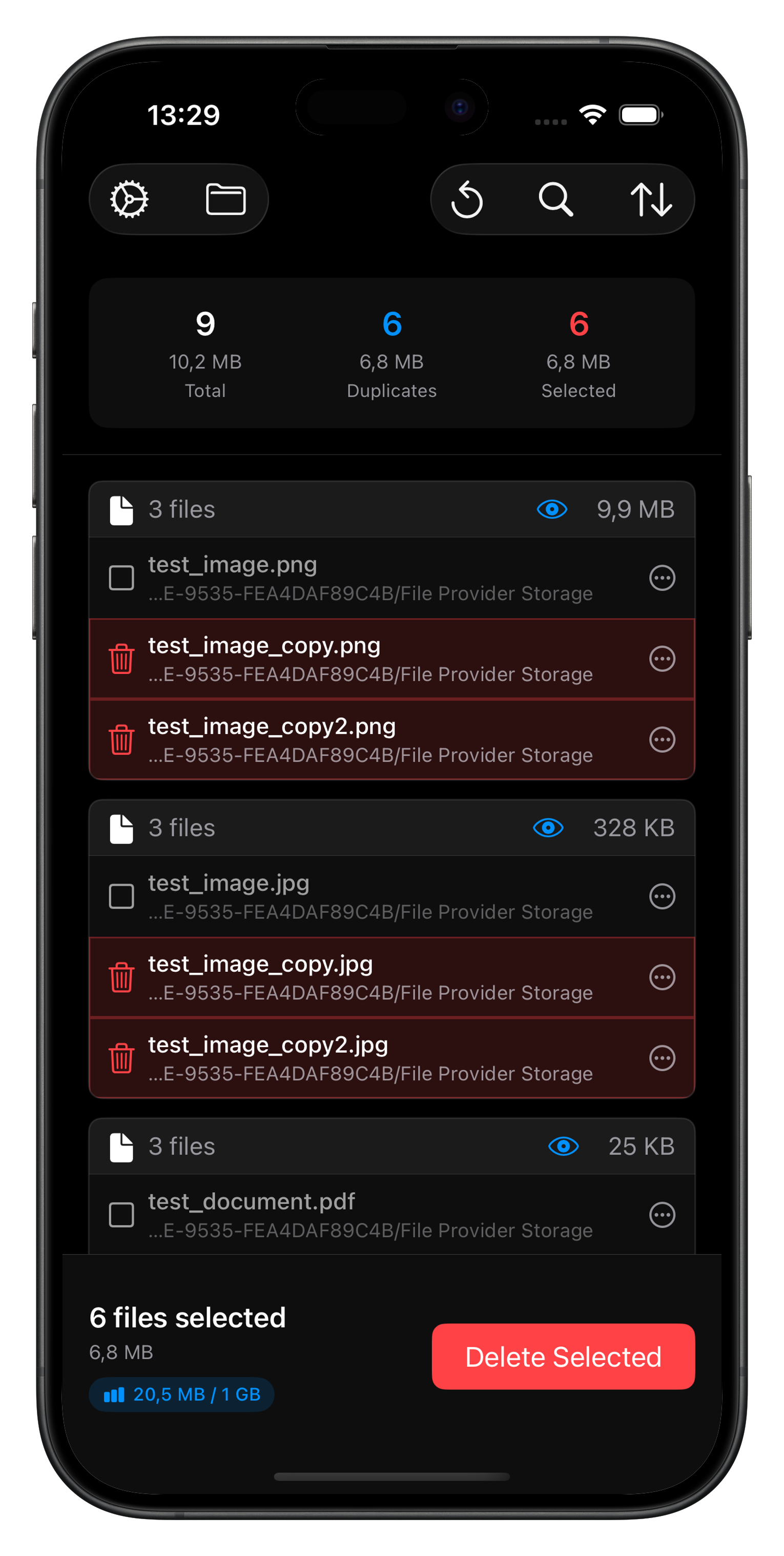
Zero Duplicates is a powerful duplicate file finder for Mac, iPhone, and iPad that helps users free up storage space by identifying and removing duplicate files. The app uses advanced content-based comparison to find true duplicates, even when filenames are different, ensuring accurate detection while keeping files safe.
With a focus on privacy and simplicity, Zero Duplicates processes everything locally on the device. No files are ever uploaded to the cloud, giving users complete control over their data.
Usage Guidelines
You are welcome to use these press materials for editorial coverage, reviews, and articles about Zero Duplicates. Please follow these simple guidelines:
- Feel free to use screenshots and app icons in articles, reviews, or social media posts about Zero Duplicates
- Please do not modify the app icon or create derivative works
- When using screenshots, please maintain their original aspect ratio
- Attribution is appreciated but not required
- These materials are provided for press and editorial use only
For any questions about usage rights or to request additional materials, please contact [email protected]
Key Facts
- Name:
- Zero Duplicates
- Platforms:
- macOS 14.0+, iOS 17.0+, iPadOS 17.0+
- Developer:
- Christopher Brock
- Website:
- zeroduplicates.com
Feature Availability


Quick reference for editorial coverage. Availability is intentionally conservative where platform access depends on Apple system permissions or third-party provider integration.
Content-based duplicate detection
Finds true duplicates by comparing file content, not just filenames.
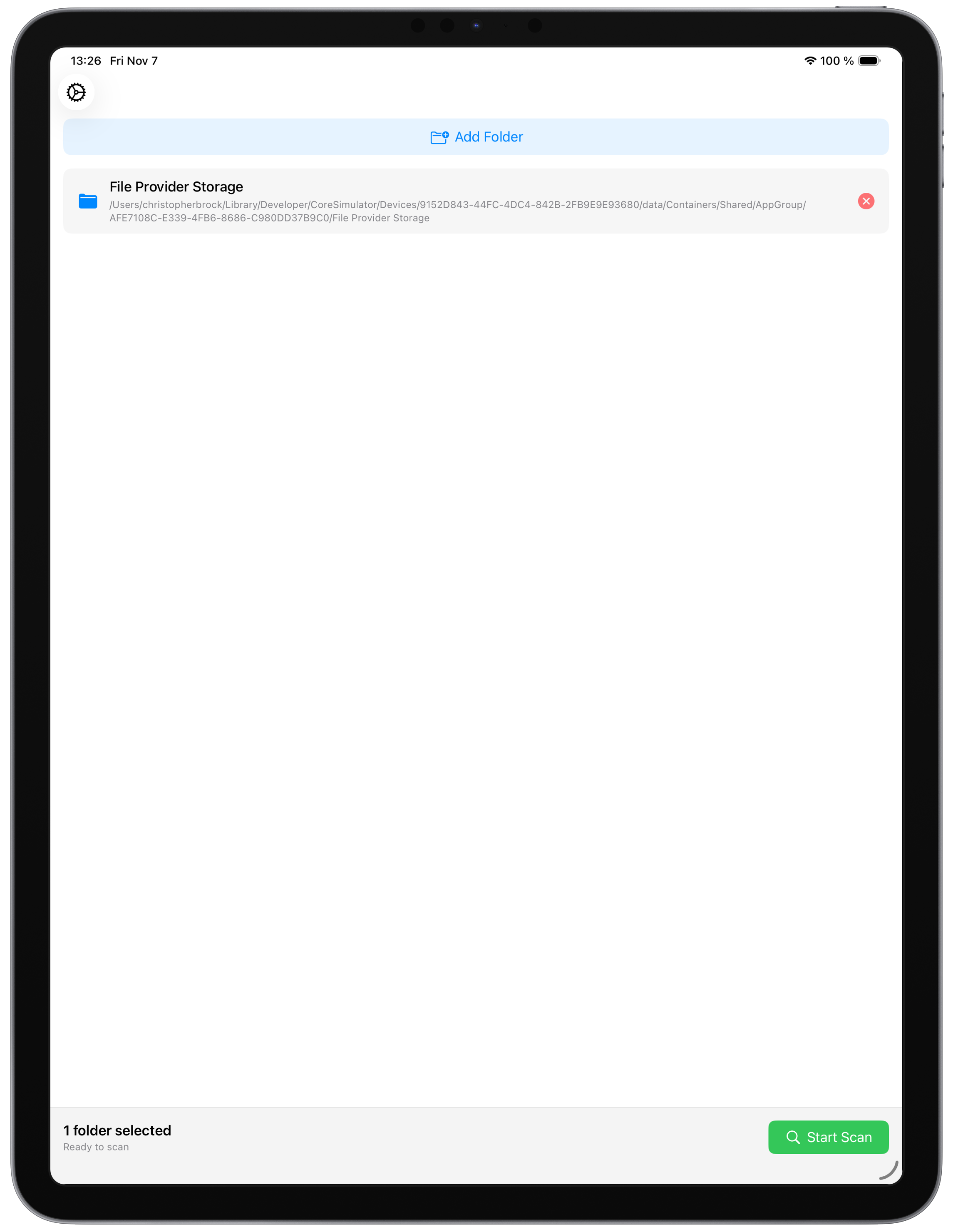
Scan multiple folders and locations
Supports comparing files across more than one selected location.
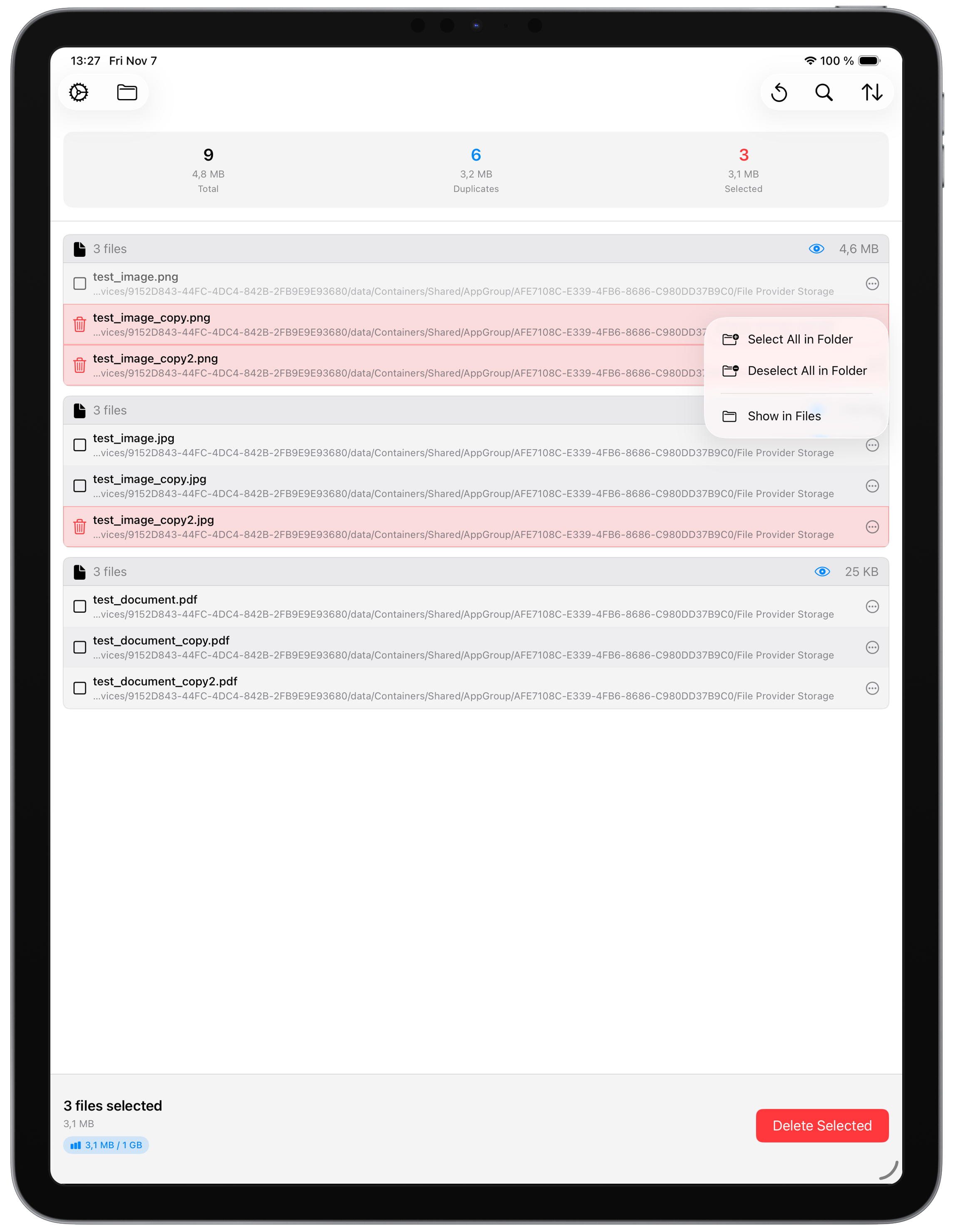
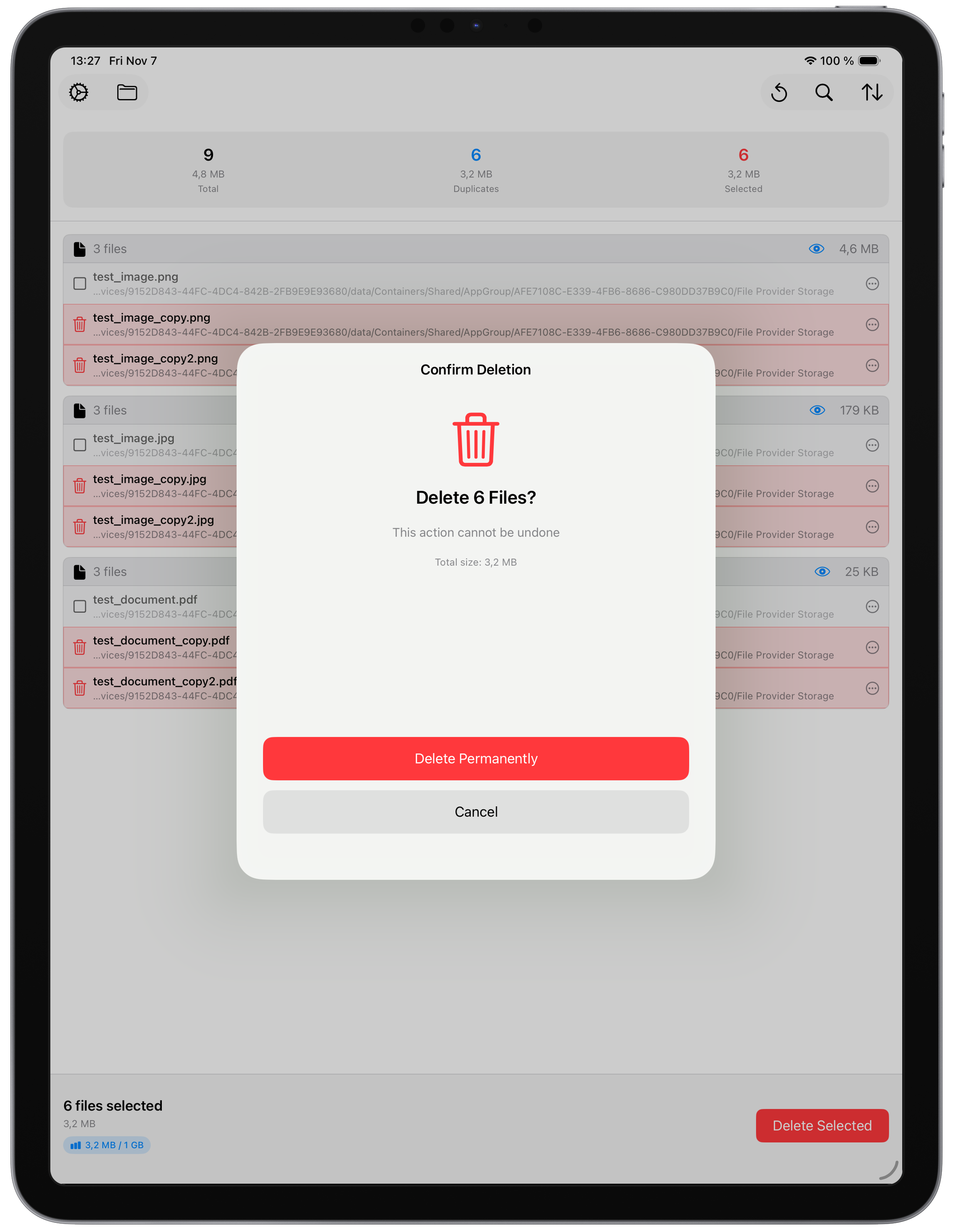
Preview files before deletion
Lets reviewers verify matches before removing anything.
Always keep at least one copy
Built-in safety protection prevents removing every copy in a duplicate group.
Auto Select by date
Automatically keeps the oldest or newest file in each duplicate group.
Permanently delete files
Available after review and confirmation.
Scan iCloud Drive
Scans iCloud Drive files that are available locally on the device.
Scan external drives
Includes USB drives, SD card storage, and similar external locations when accessible.
Scan network volumes / NAS
Supported when the location is accessible through the platform's file access system.
Auto Select by folder
Useful when one folder contains the preferred copy to keep.
Exclude subfolders before scanning
Fine-grained folder exclusion during scan setup is currently macOS-only.
Move files to Trash
On iPhone and iPad, there is no traditional Trash location for third-party apps to move files into.
Scan third-party cloud providers
On macOS, locally synced folders such as Google Drive, OneDrive, and Dropbox can be scanned. On iPhone and iPad, this is currently unavailable because providers do not expose the required access to Zero Duplicates through the Files app.
Press Assets
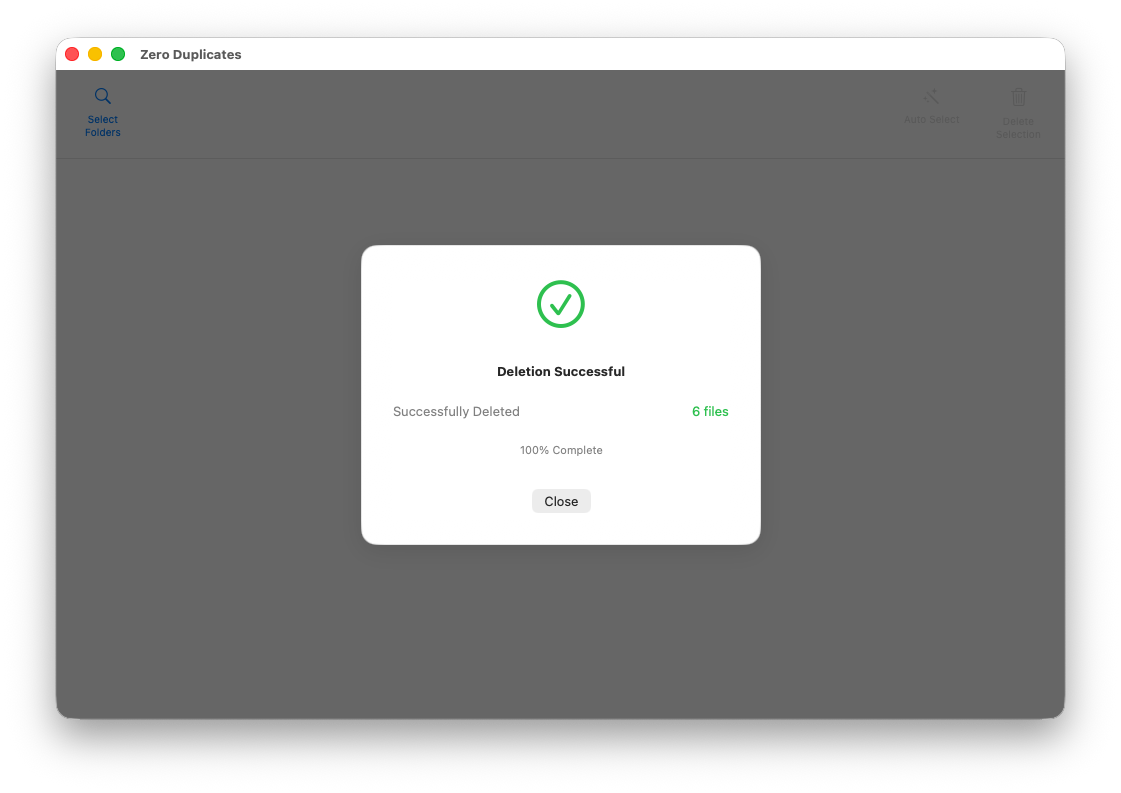
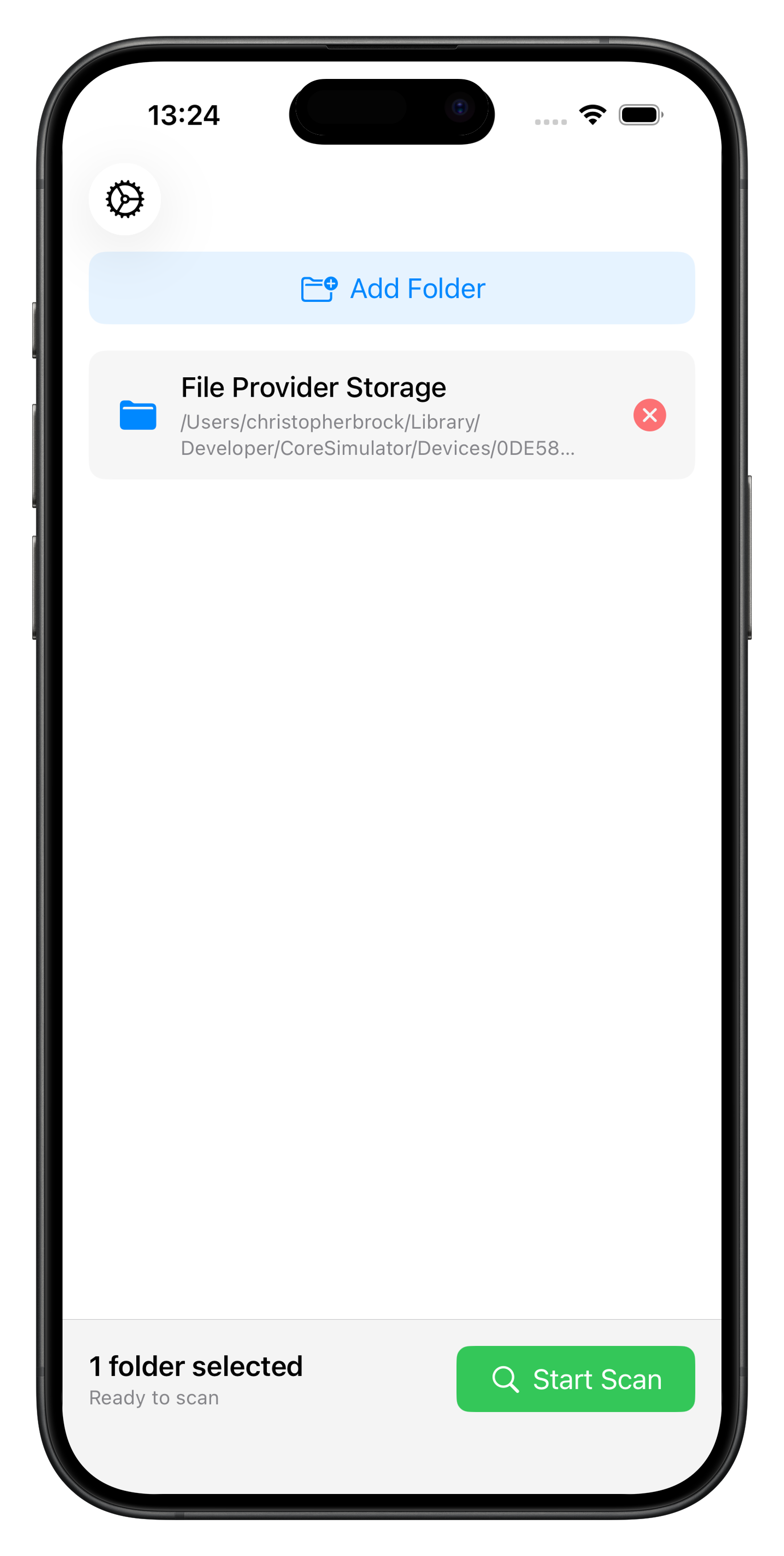
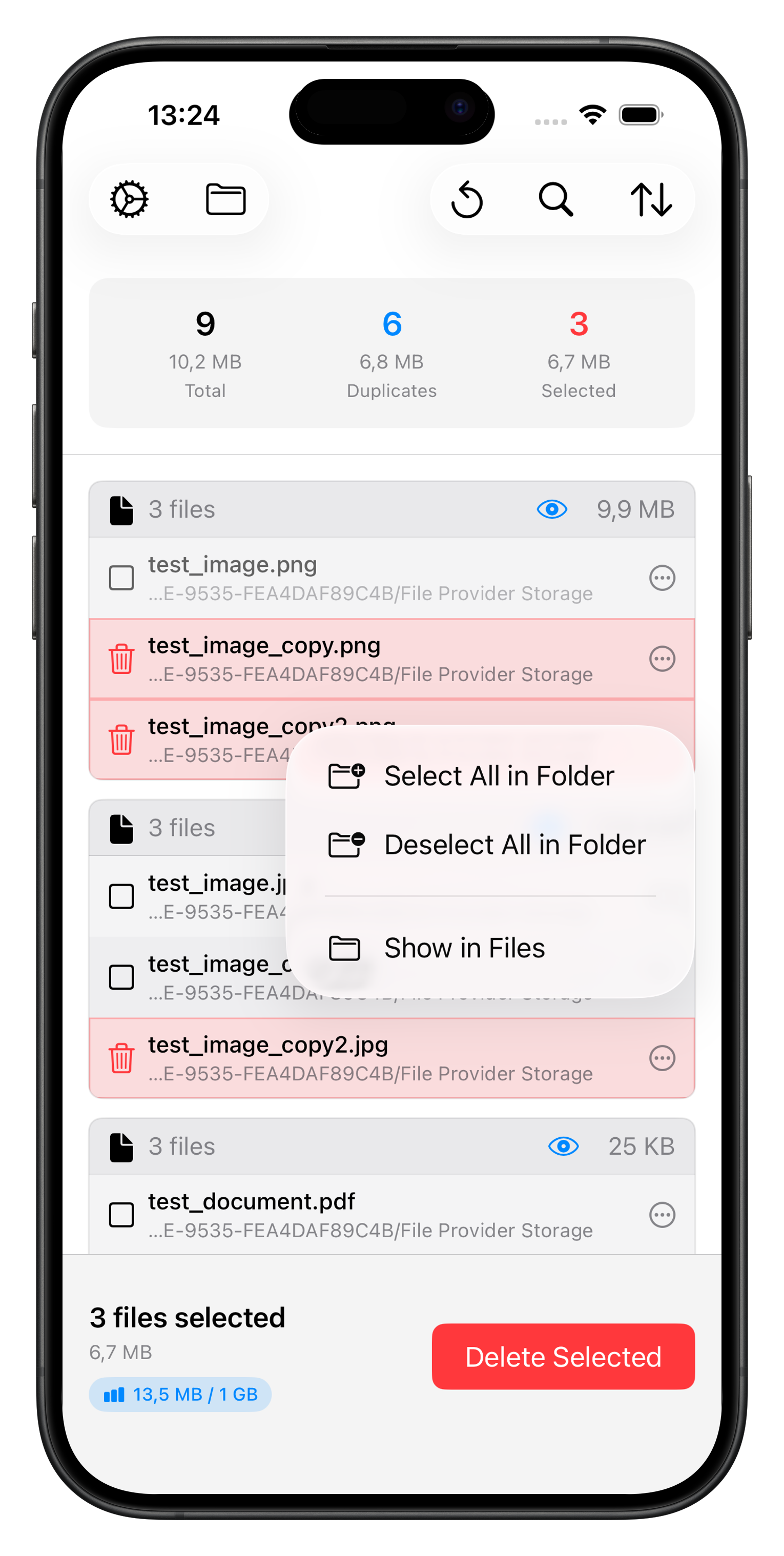
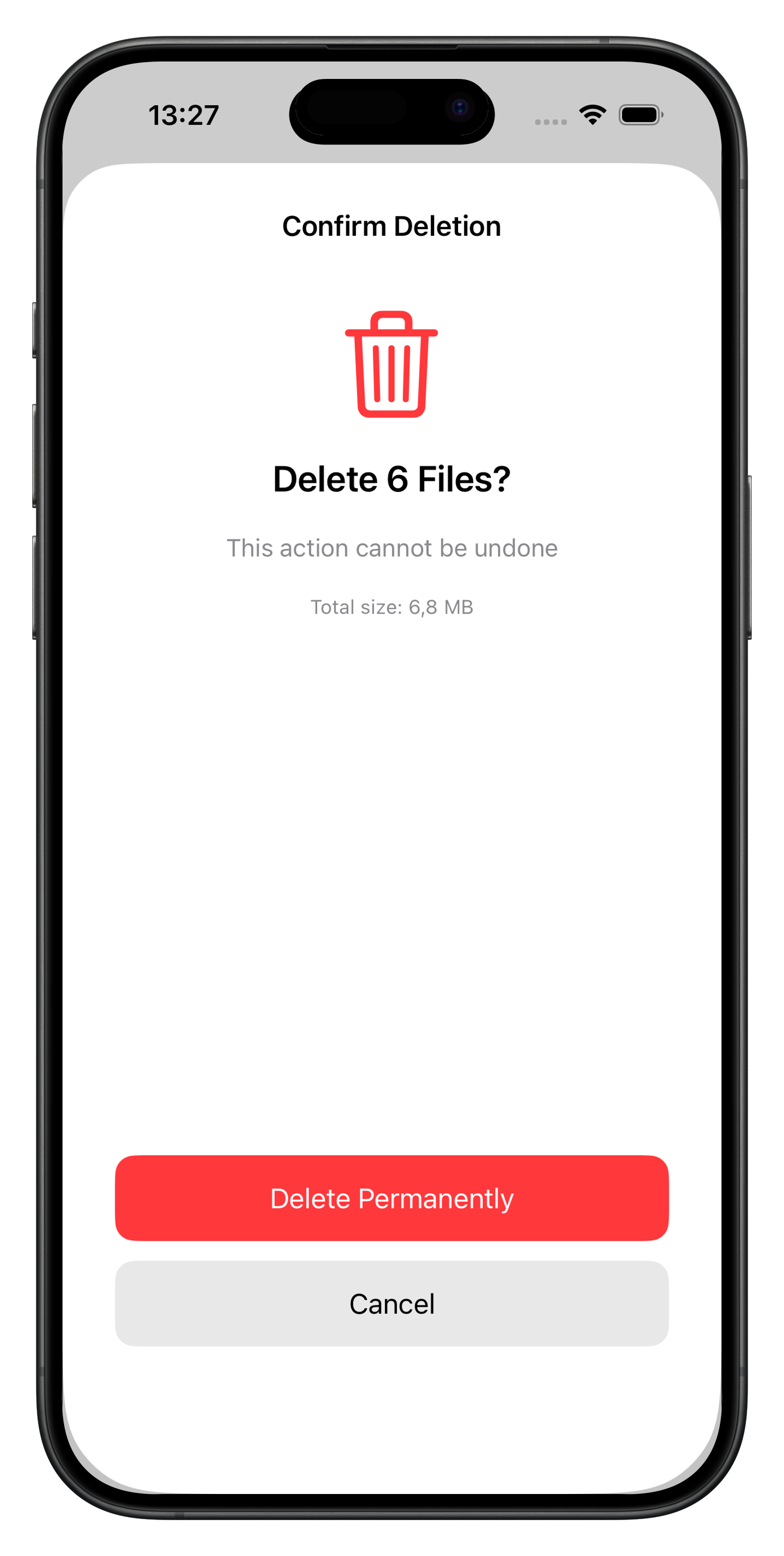
A .zip is generated and can be downloaded. It contains the images shown below.
macOS
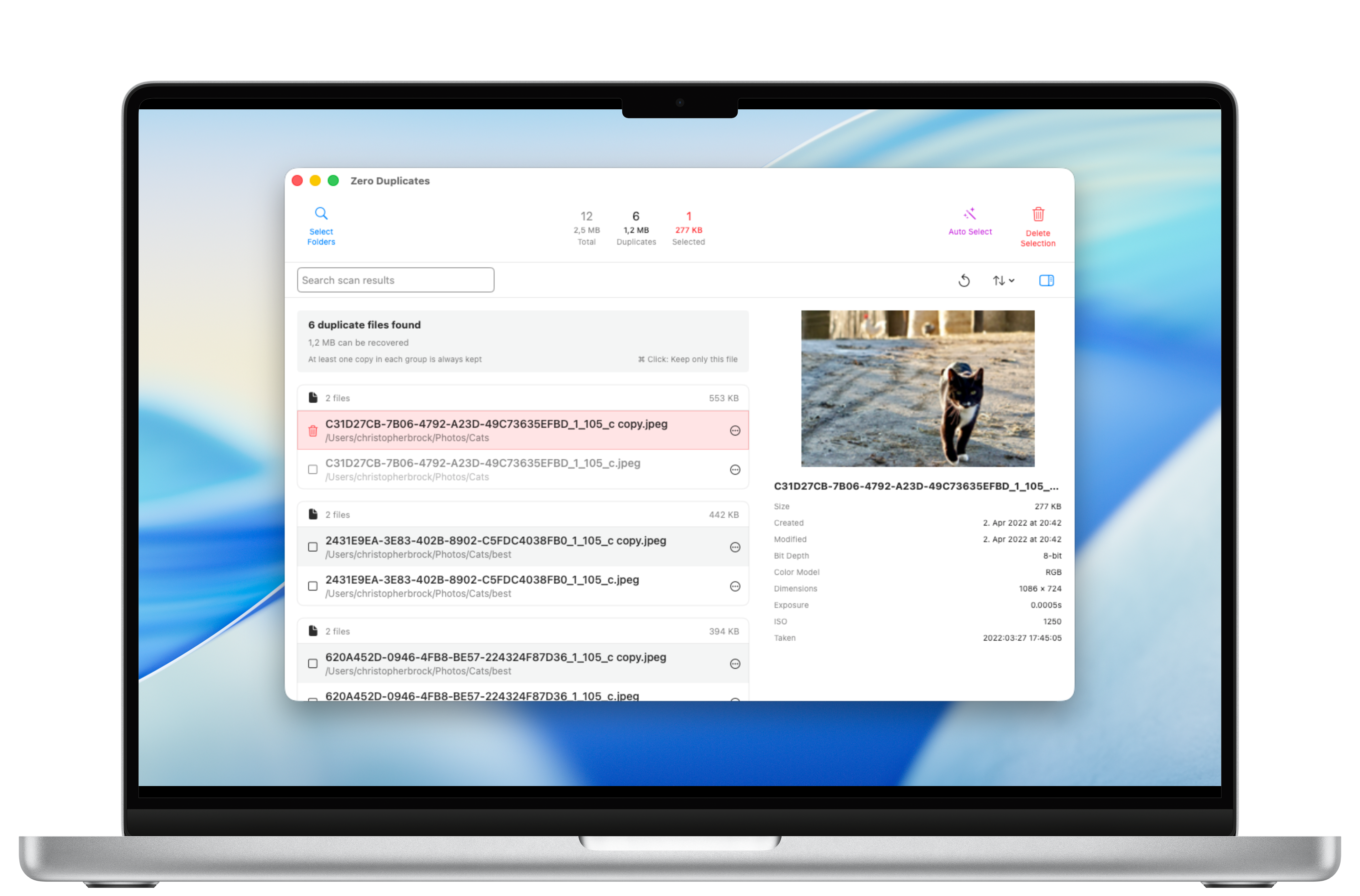
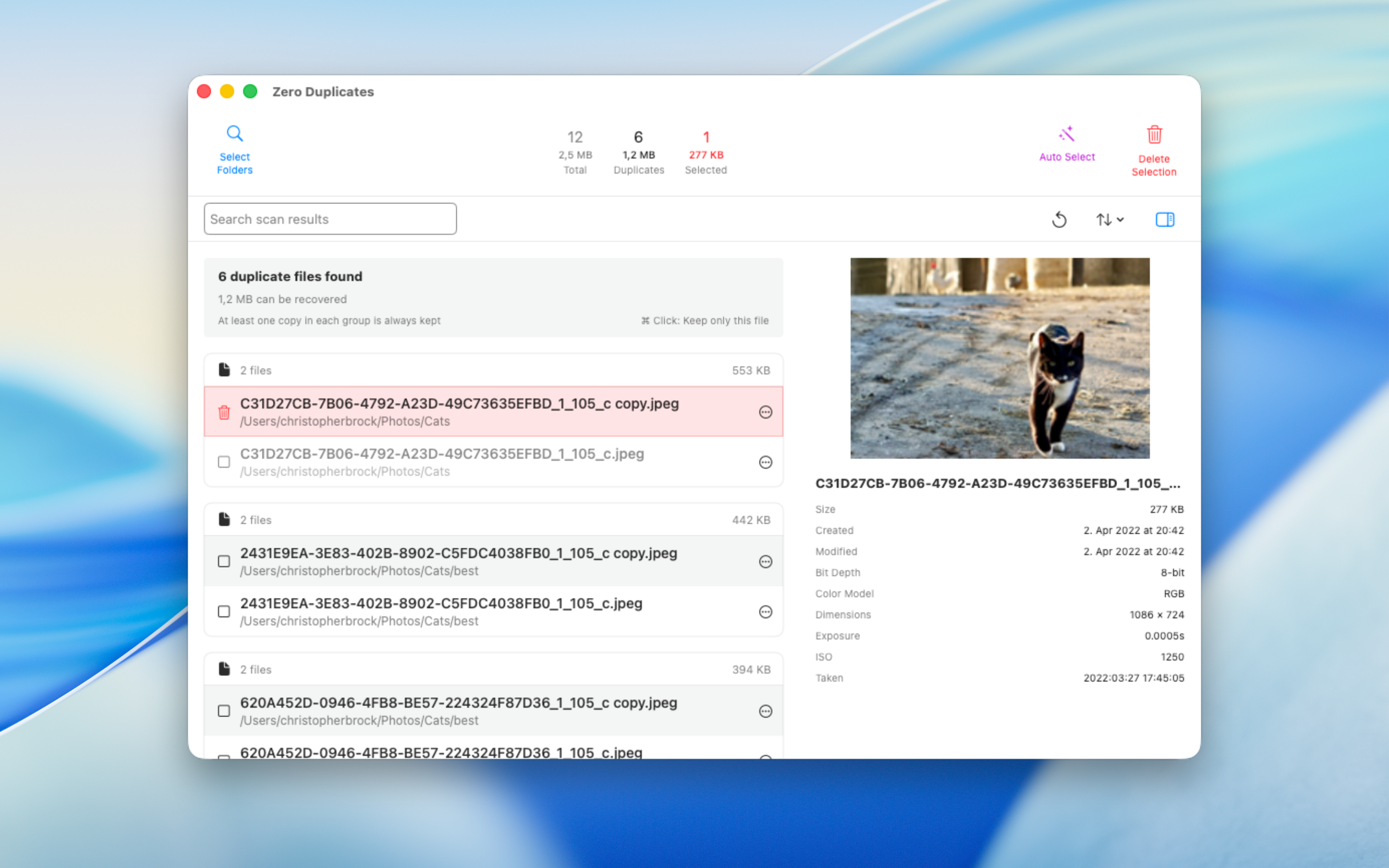
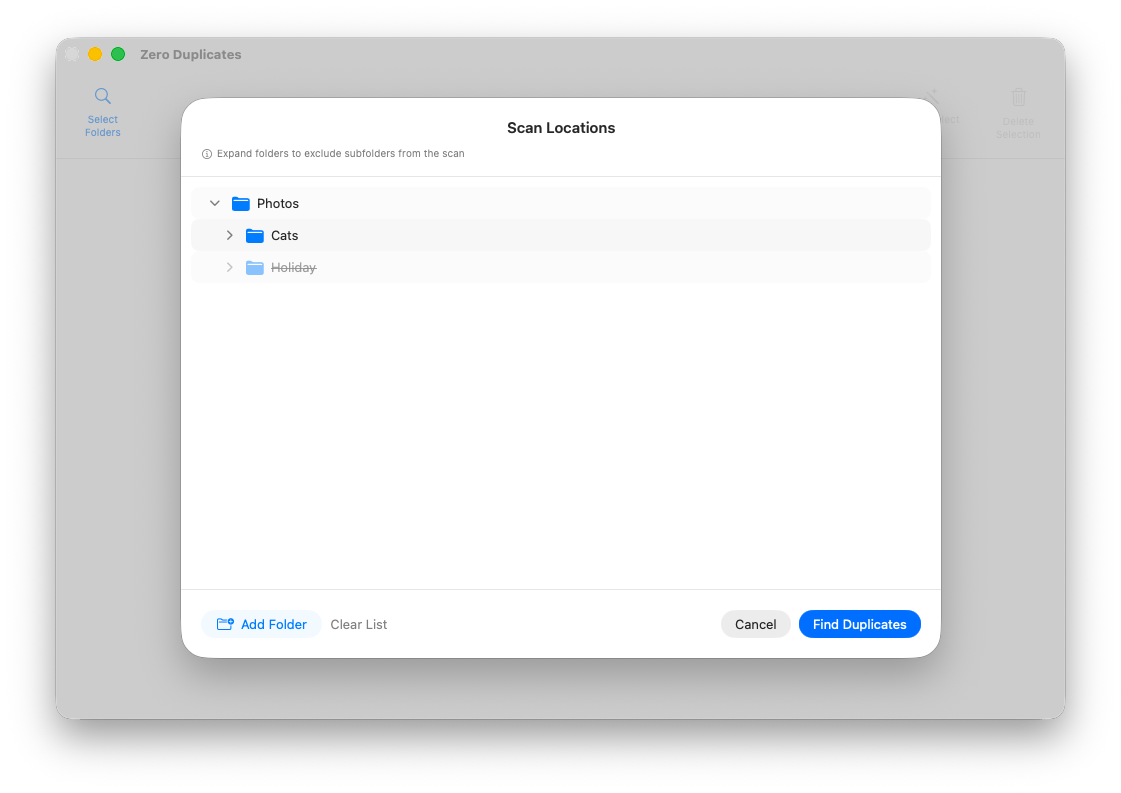
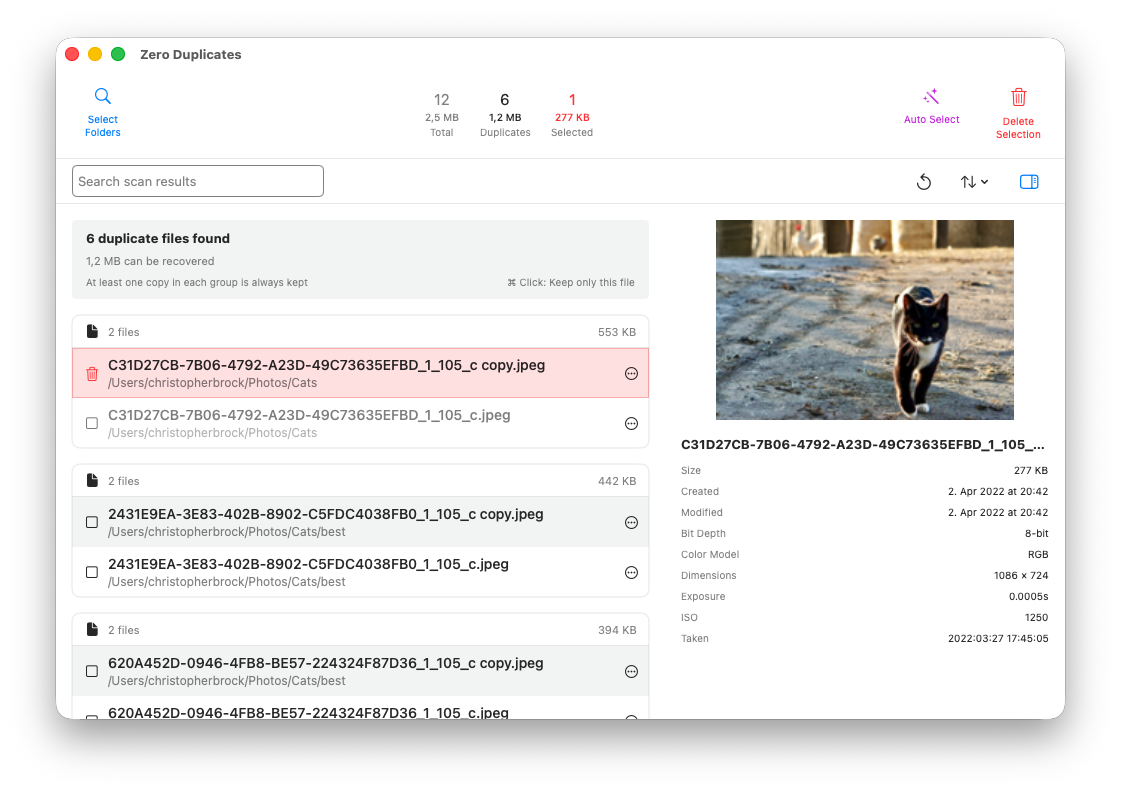
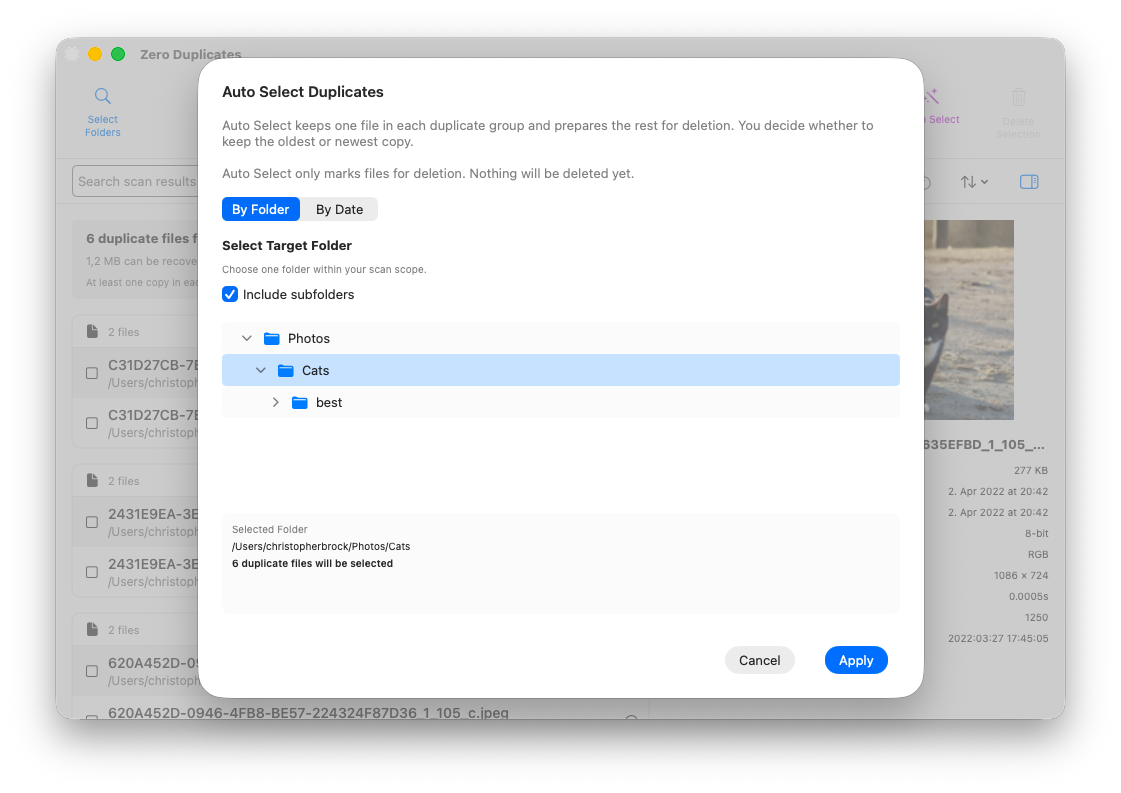
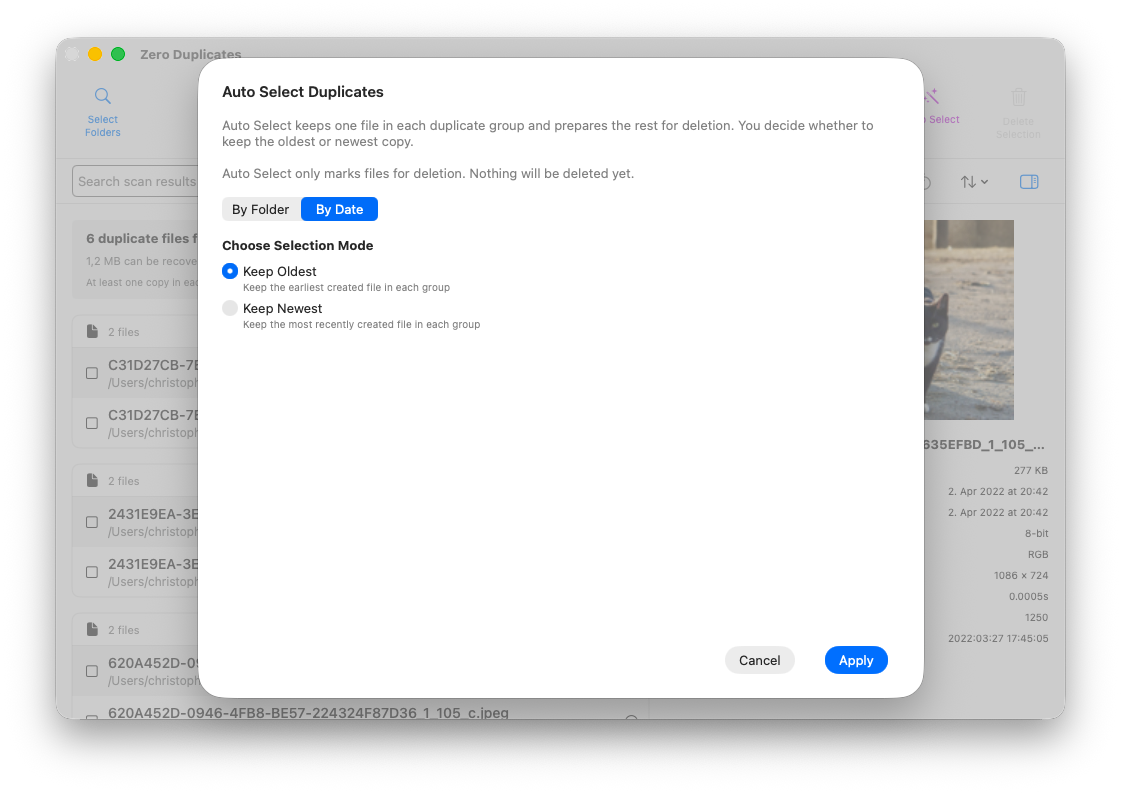
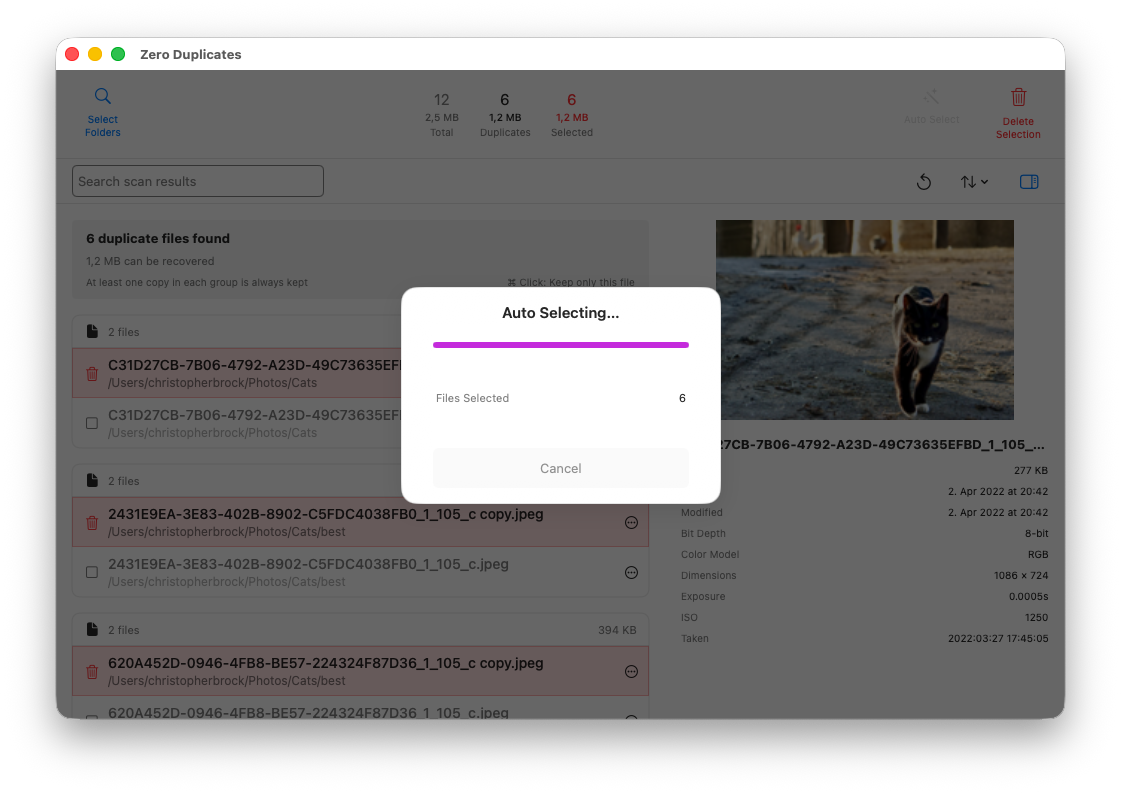
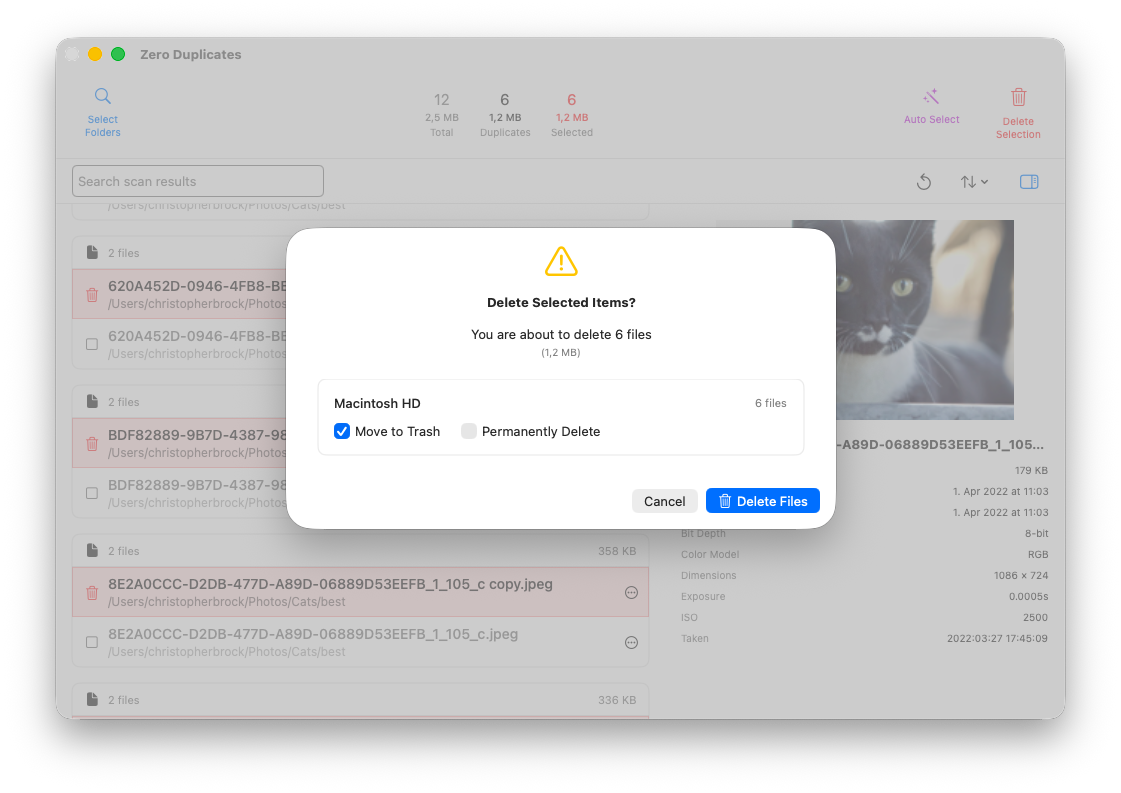
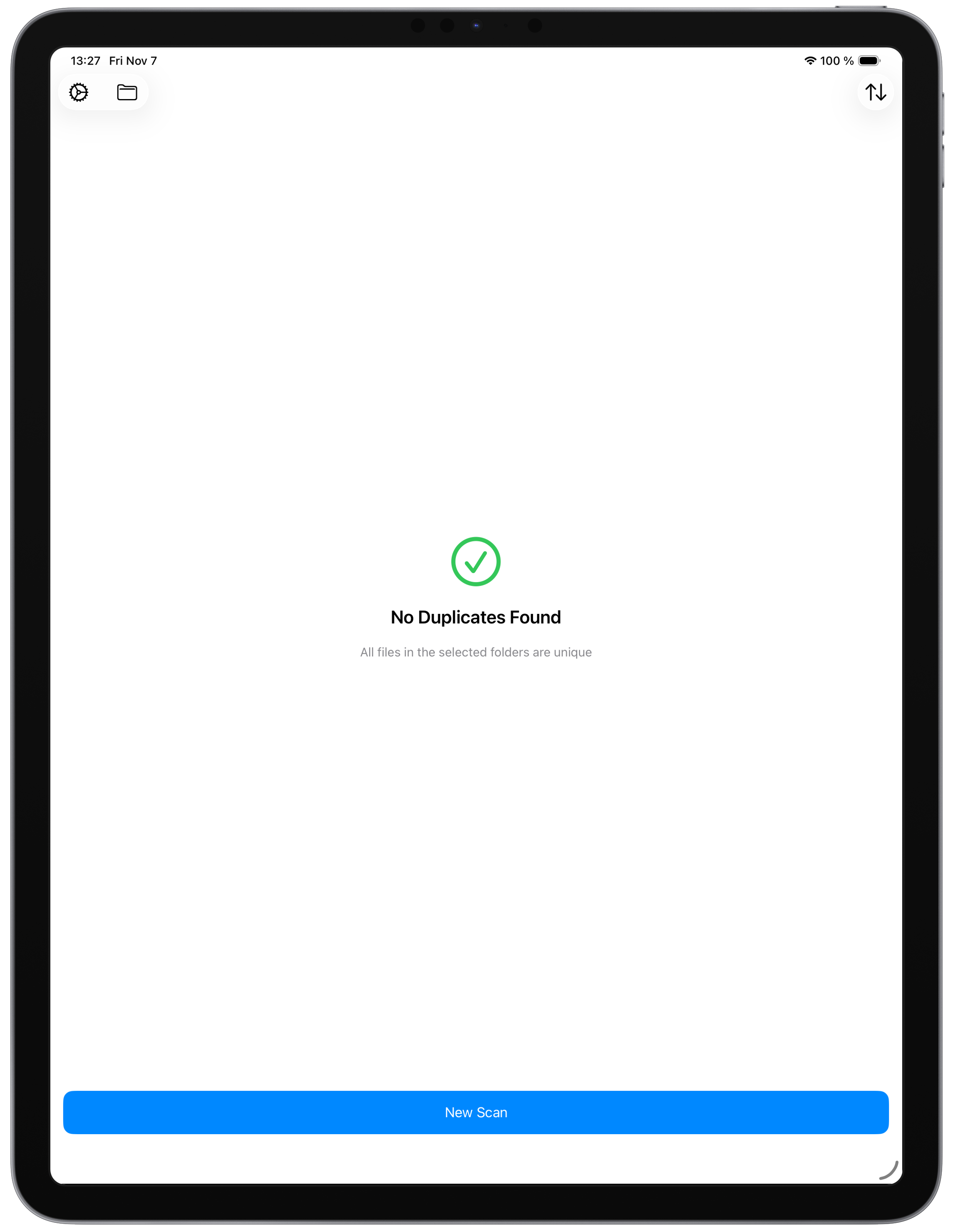
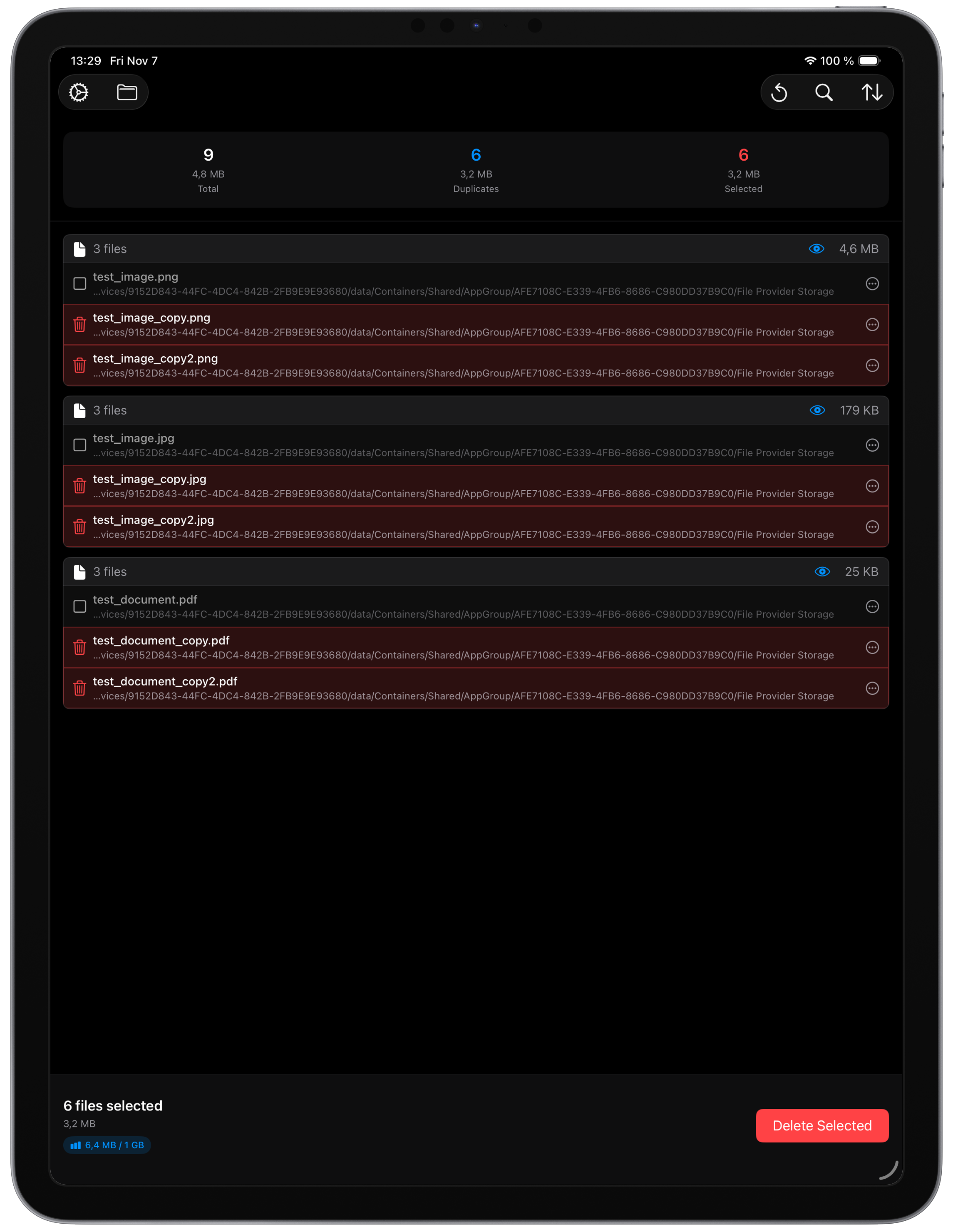
iPadOS
Logo
Press Contact
For press inquiries, review copies, or additional information, please contact: