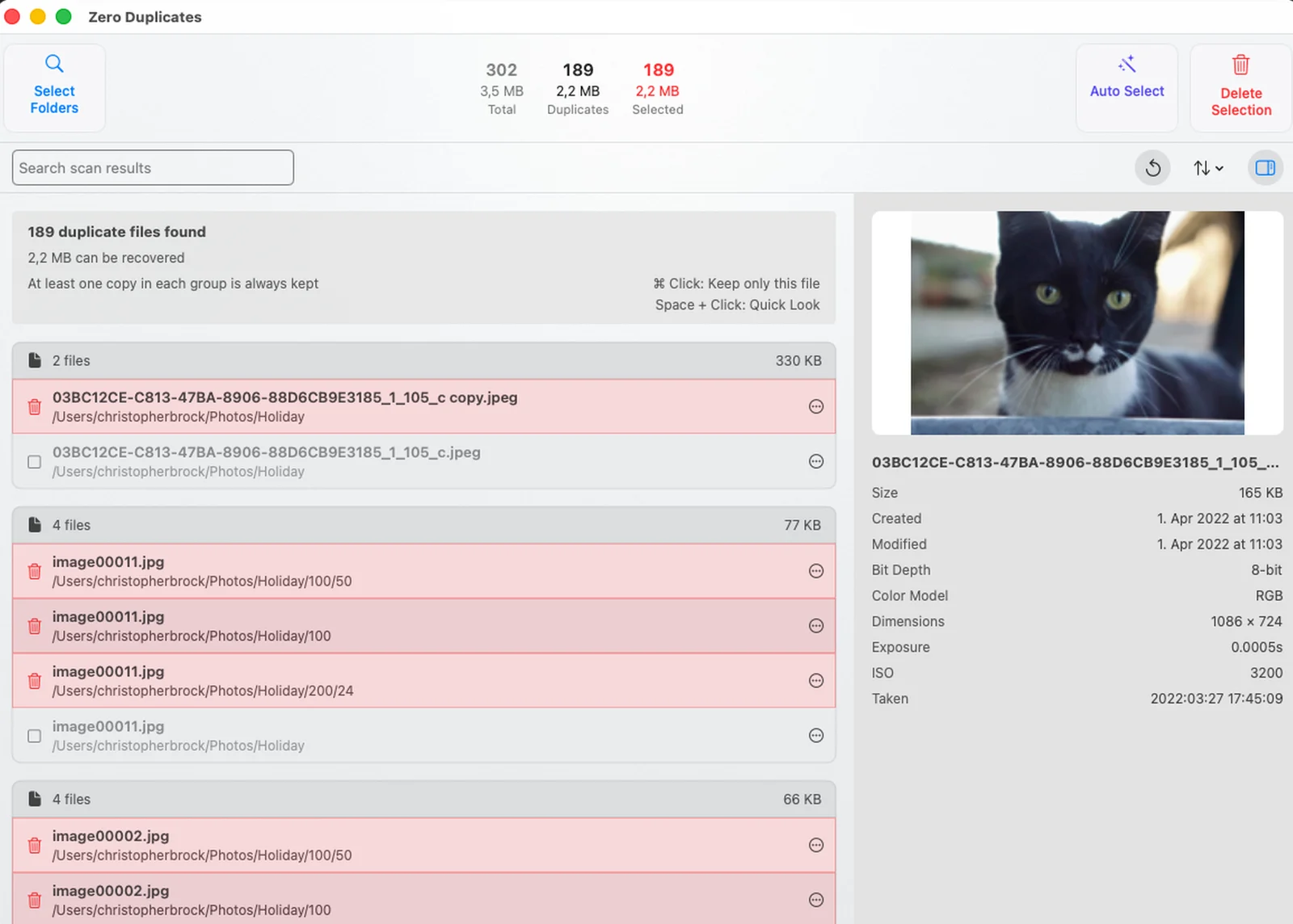
Finds copies by content, not by name
Renamed, moved or downloaded twice: a duplicate is still a duplicate. Zero Duplicates compares what is inside each file.
iPhone · iPad · Mac
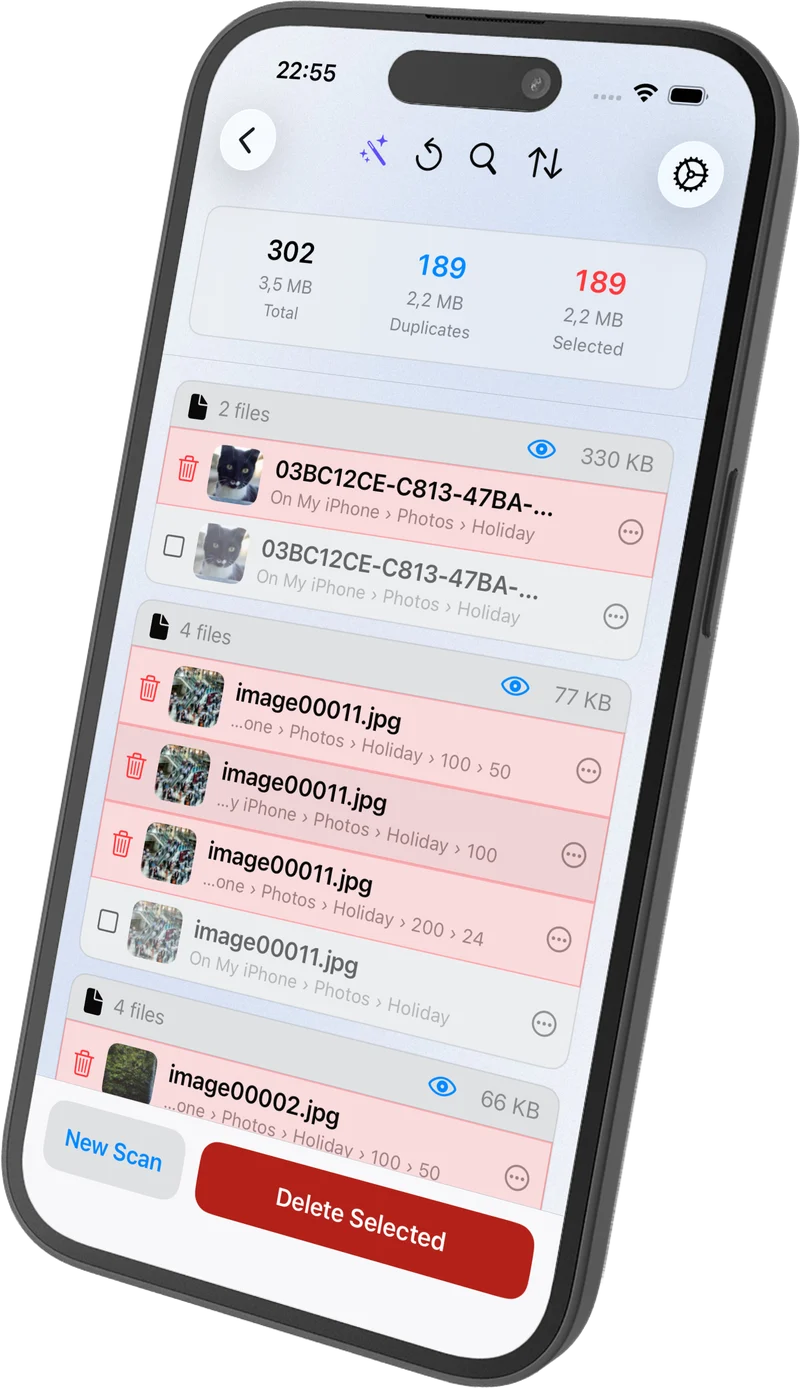
Zero Duplicates compares what is inside each file, not its name, so it finds every real copy. You review, one original always stays.


How it works
No setup and no account. Pick a folder and let the scan do the work.
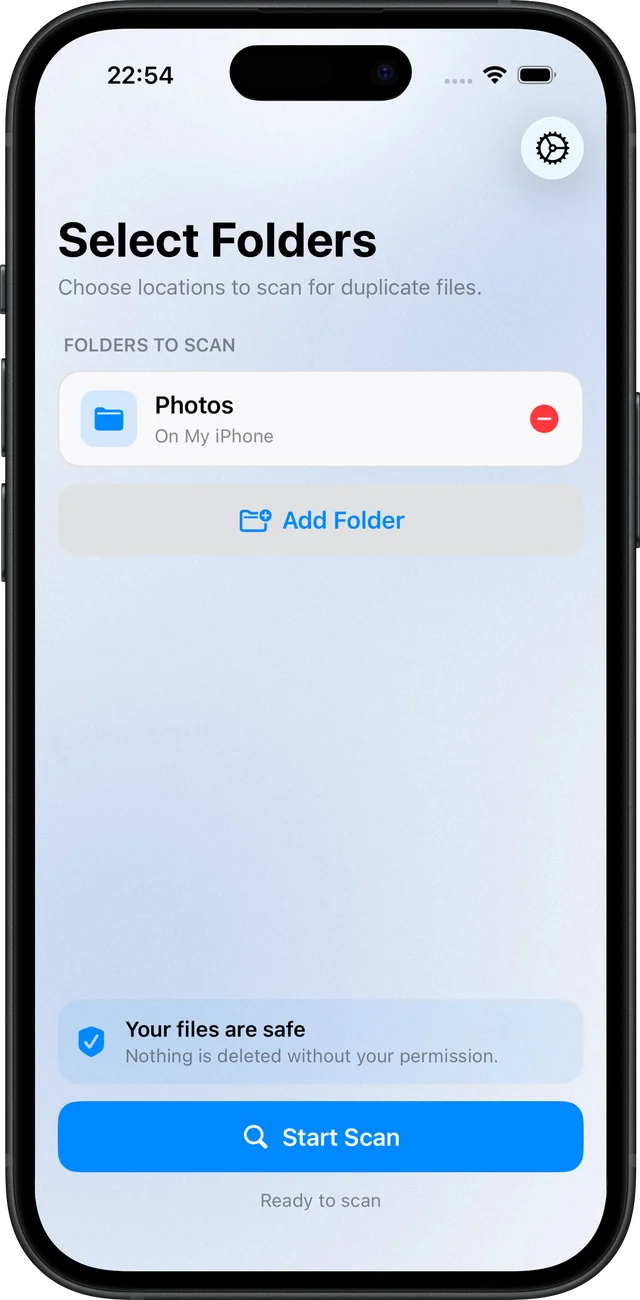
Photos, Downloads, iCloud Drive or an external drive. Anything your Mac or the Files app can reach.
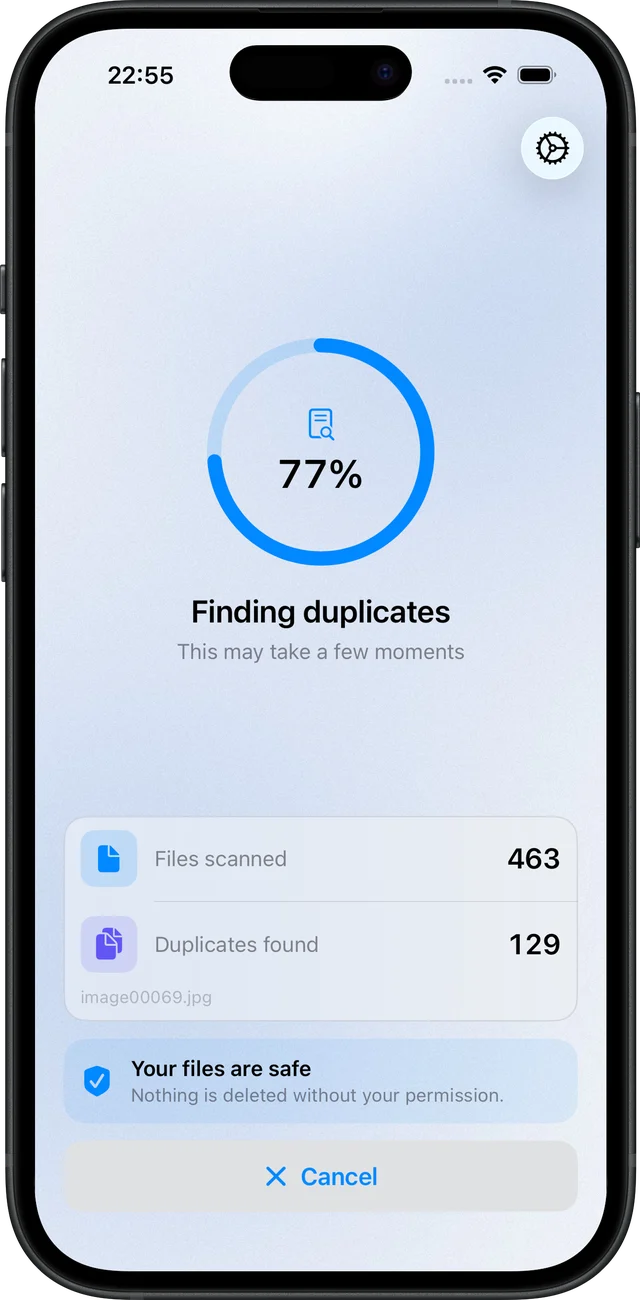
Every file is compared by its content, so renamed and moved copies are found too.
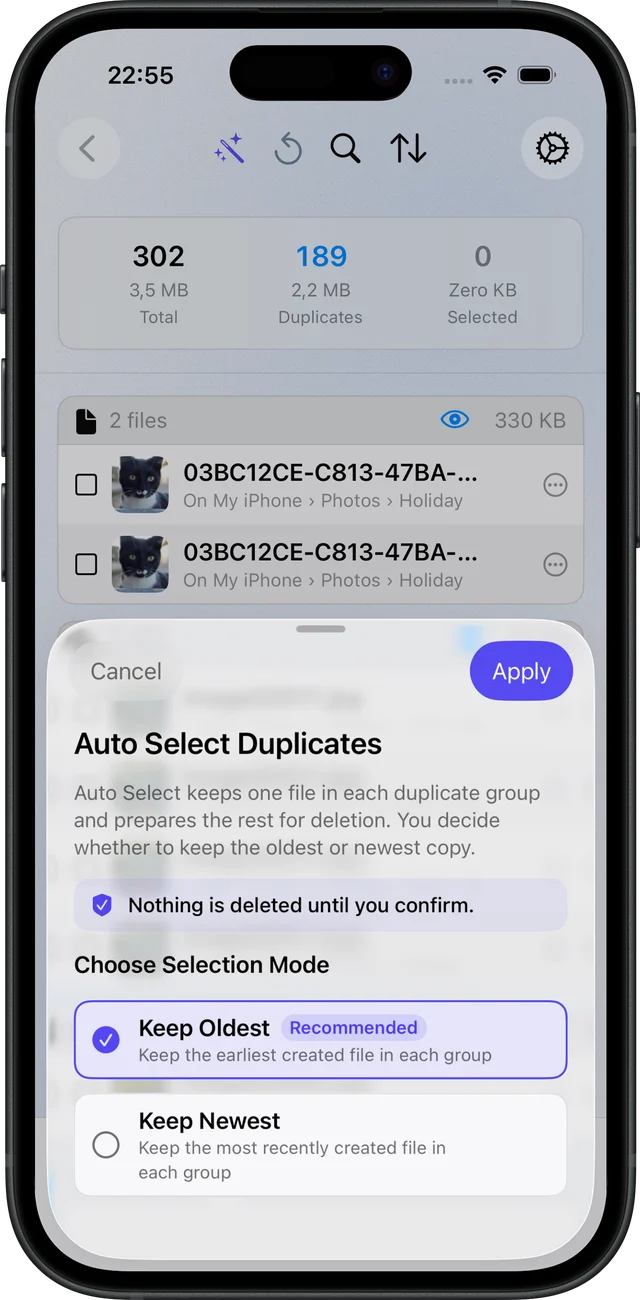
One tap keeps the oldest or newest copy in each group and marks the rest for deletion.
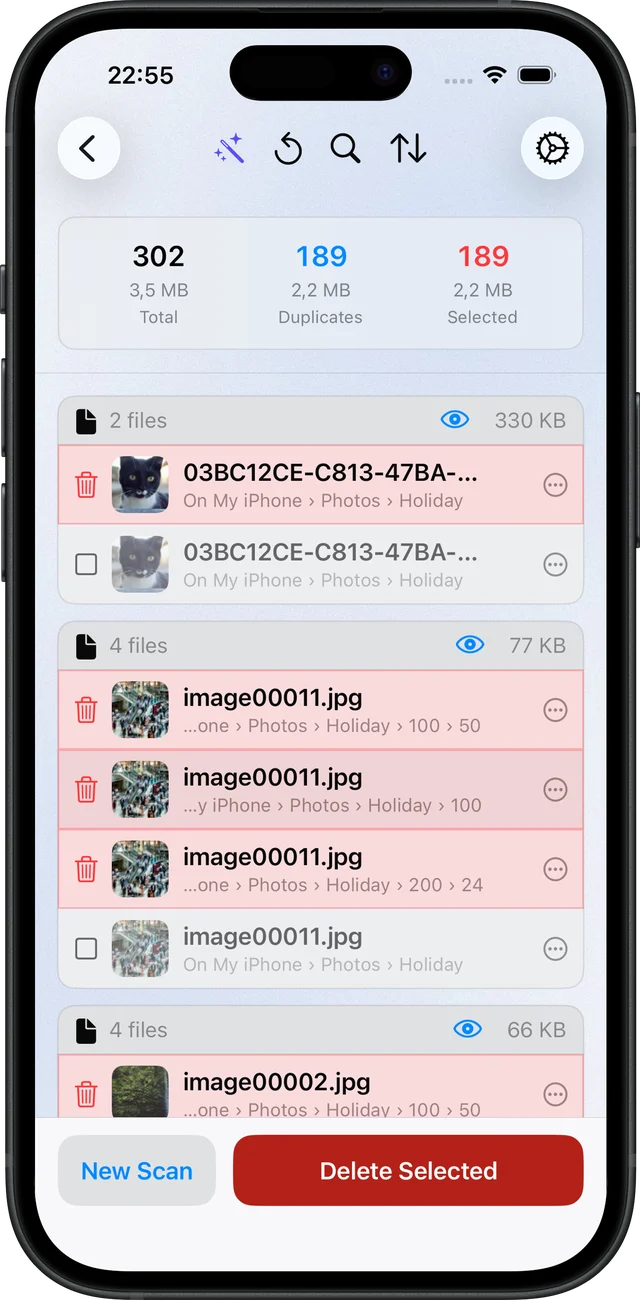
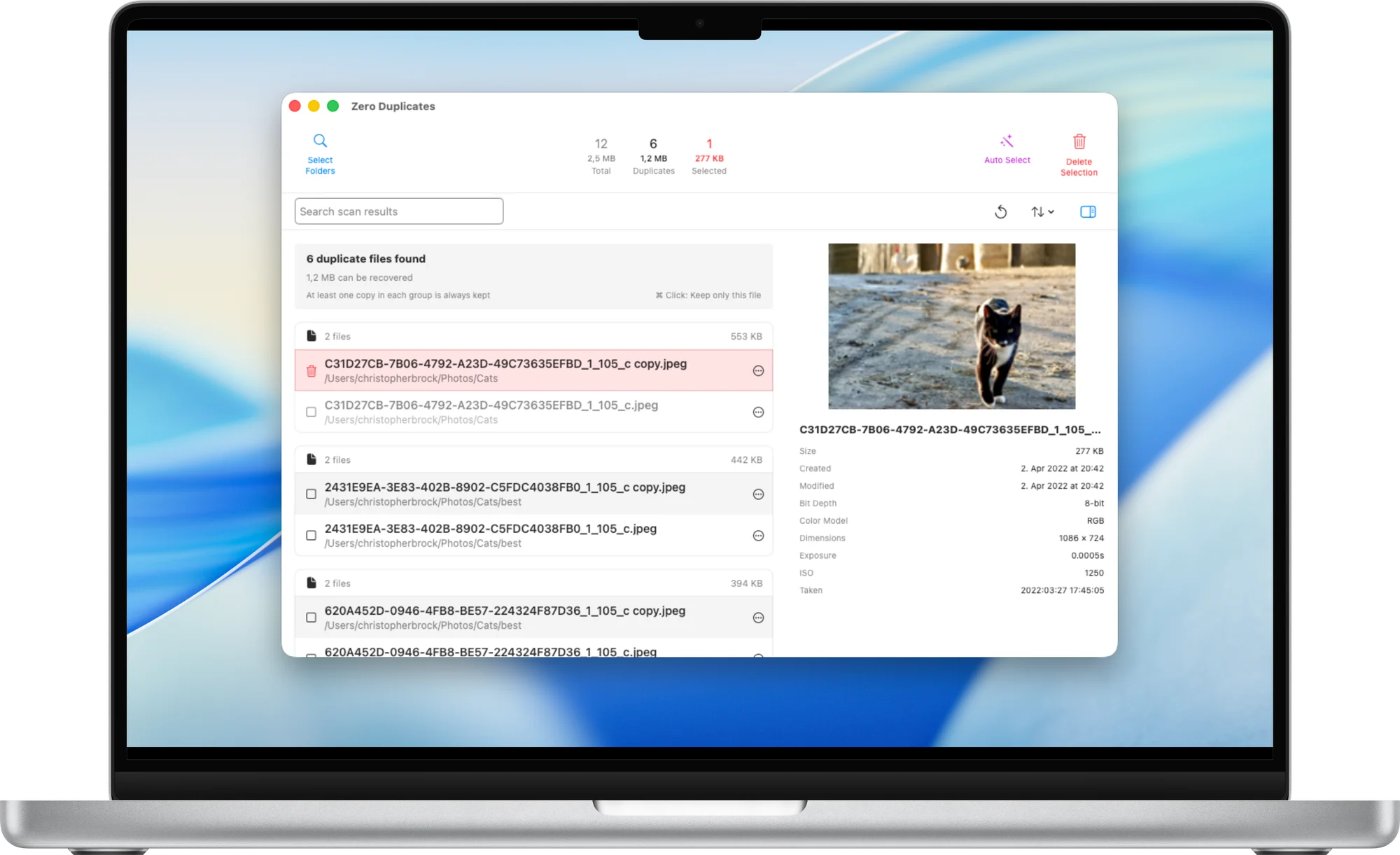
Preview any file, adjust the selection, then delete. One copy of every file always stays.
Why Zero Duplicates
Deleting the wrong file is worse than keeping a duplicate. Every part of the app is designed around that.
Renamed, moved or downloaded twice: a duplicate is still a duplicate. Zero Duplicates compares what is inside each file.
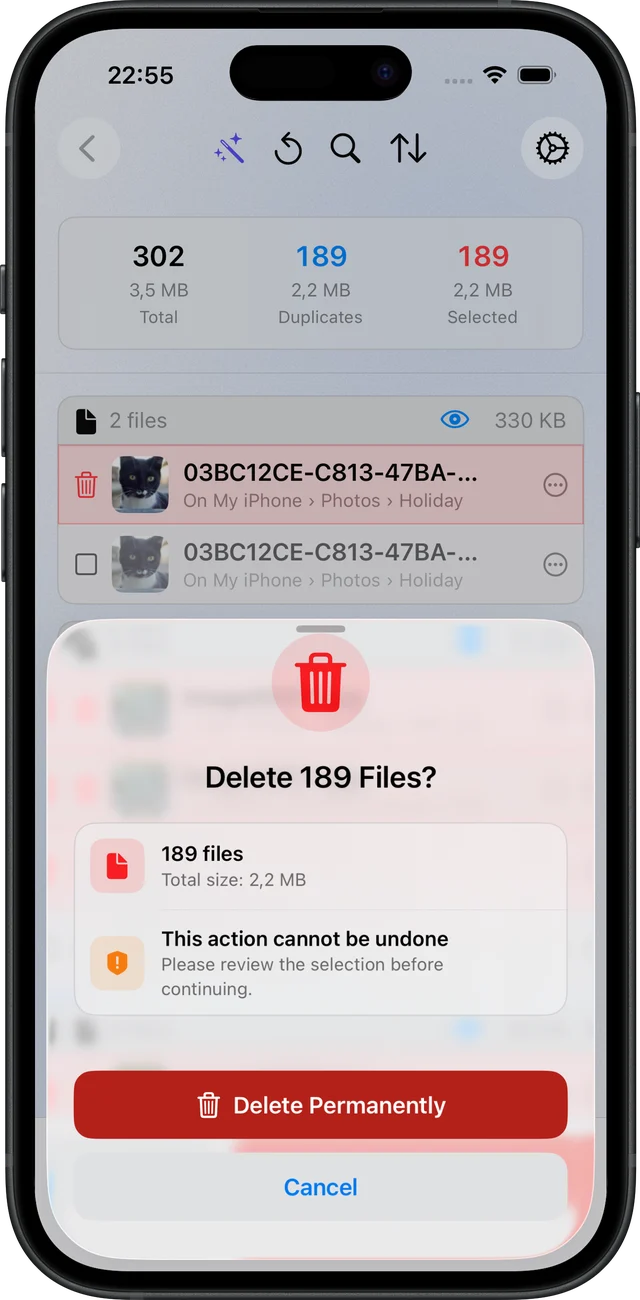
At least one copy in every group is always kept, and every deletion asks for your confirmation first.
Scans run locally. Your files never leave your Mac, iPhone or iPad.
Open any file right from the results, so you know exactly what you are removing.
On Mac, scan USB drives, NAS volumes and locally synced iCloud Drive, Dropbox, Google Drive or OneDrive folders.
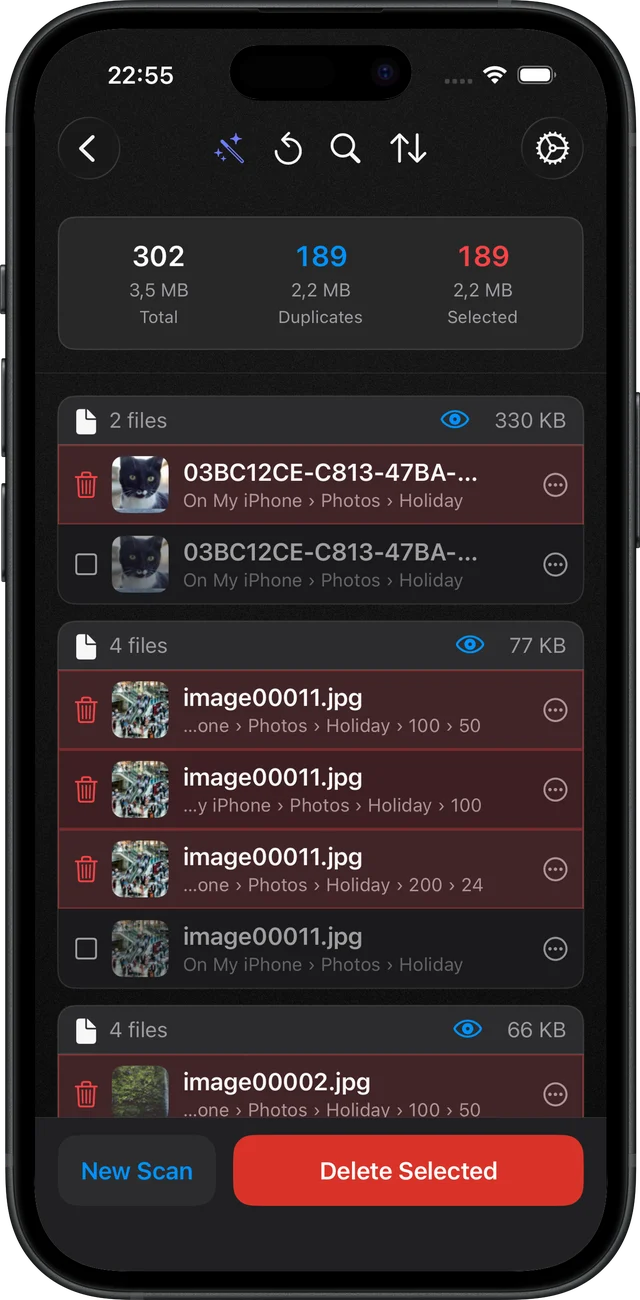
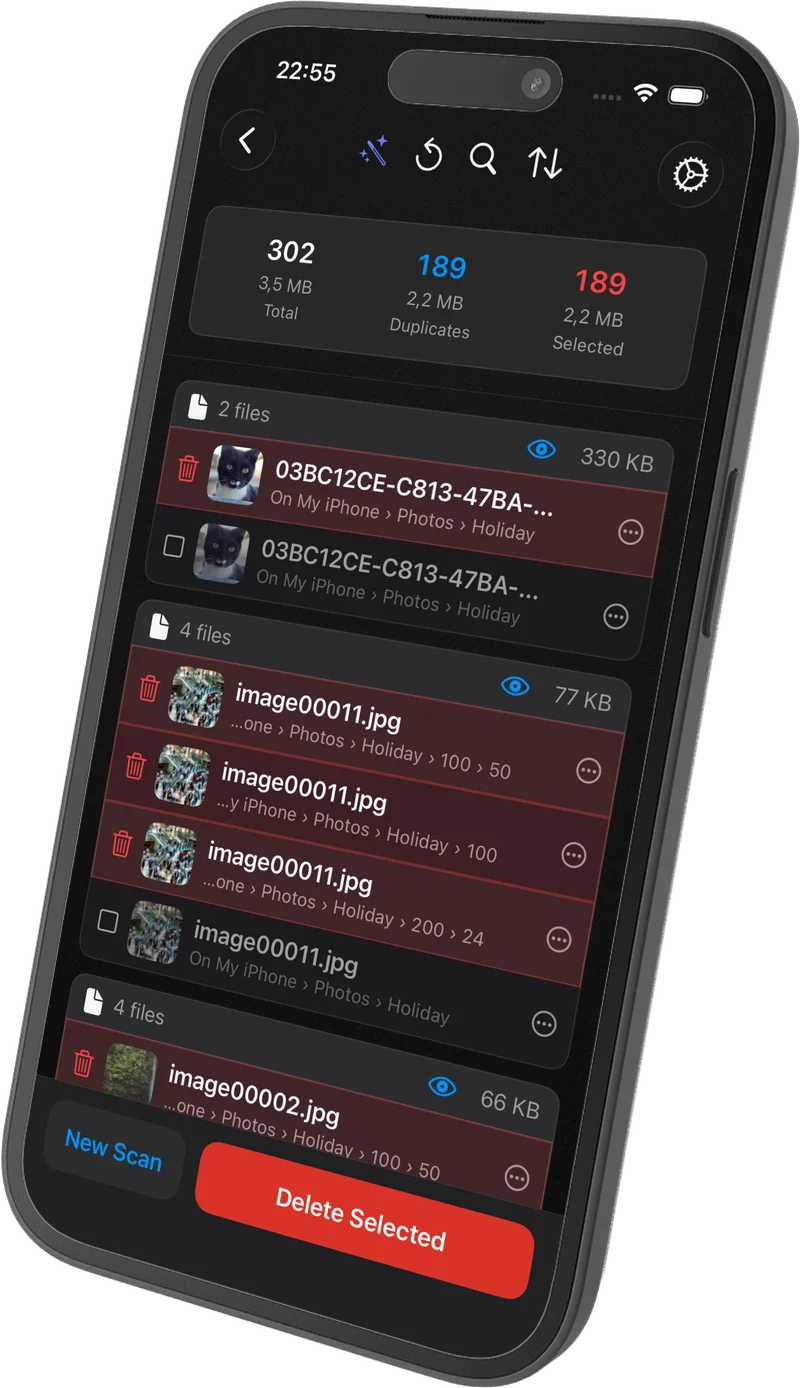
Follows your system appearance. Every screen is designed for both light and dark.
★ 4.6 · 400+ App Store ratings
Best in class
Have tried many duplicate file finders over the years, and this is by far the best I’ve come across ... Frictionless, it just works!
Fast, efficient and reliable duplicate scanner
... reliable ... Highly recommended - 5 stars!
Easy to use
This app goes by content not just name so it’s more accurate. ... you can now auto select by folder and by date.
Works great
... I managed to free up quite a bit of disk space.
Best App ever
This app has helped me find duplicates faster ...
Easy to Use with confidence
... as of now, this is my favorite. I feel confident in the results and user interface is very simple.
Super helpful
The app does exactly what it's supposed to, no frills.
Love it!!!
I don’t give 5 star reviews, even to Apple products or software. This app has earned my 5 stars.
FAQ
Everything you need to know about Zero Duplicates
Free to start
Have questions or need support? We're here to help. [email protected]