M5 vs M5 Pro vs M5 Max: Which MacBook Pro to Choose?

M5 vs M5 Pro vs M5 Max: Which MacBook Pro to Choose?
Apple released the MacBook Pro with M5 Pro and M5 Max chips in March 2026. The base M5 chip debuted earlier in October 2025. Choosing between these three options can feel overwhelming, so I have broken down the practical differences to help you make an informed decision based on your actual workflow needs.
Understanding the M5 Lineup
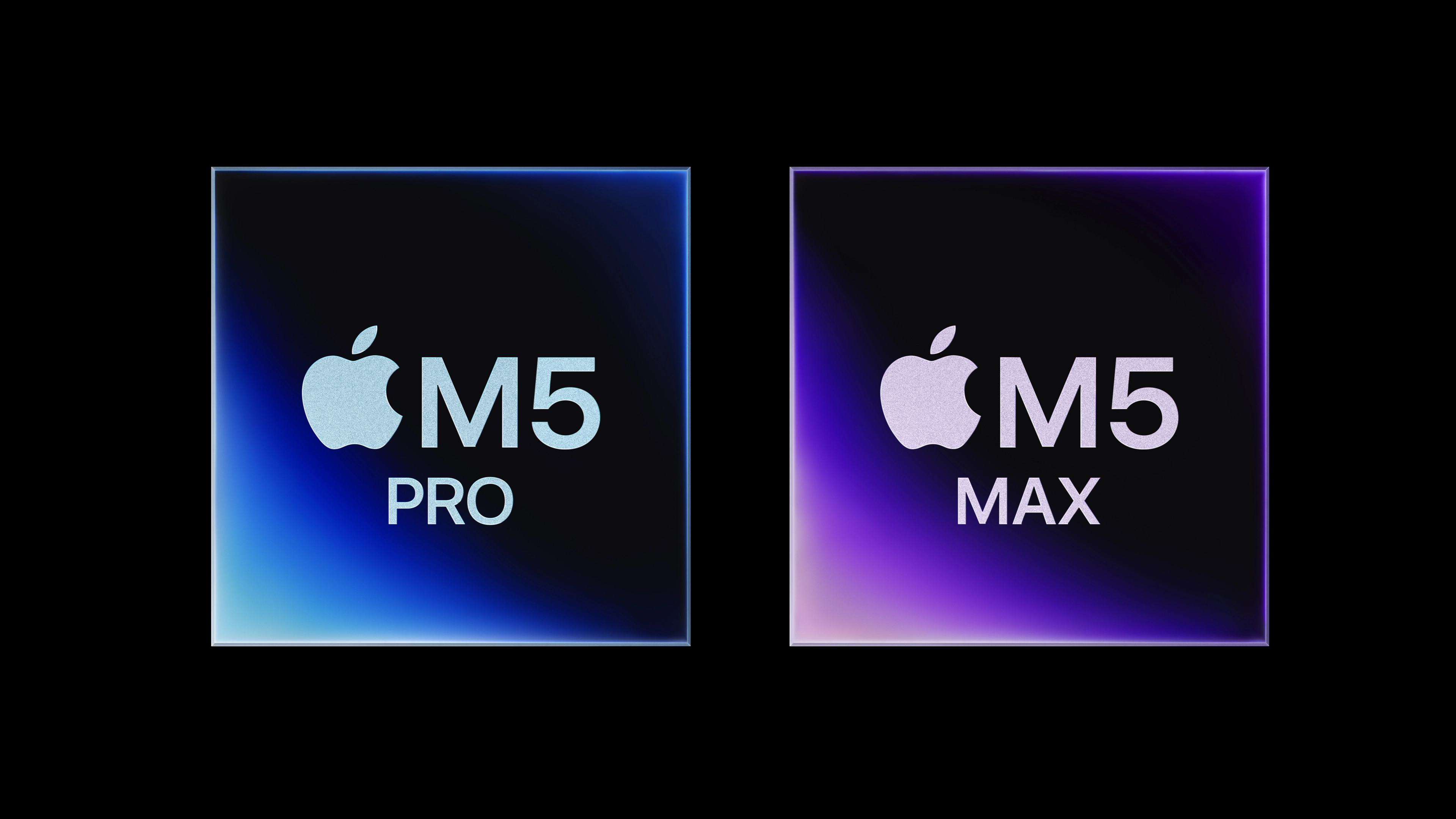
The M5 family offers three distinct performance tiers:
- M5: 10-core CPU, 8 or 10-core GPU, up to 32GB unified memory
- M5 Pro: 15 or 18-core CPU, 16 or 20-core GPU, 1TB starting storage
- M5 Max: 18-core CPU, up to 40-core GPU, 2TB starting storage
The M5 Pro and M5 Max use Apple’s Fusion Architecture, which combines two dies into a single system-on-chip. The base M5 uses a traditional single-die design.
What Makes M5 Pro and M5 Max Different?
The M5 Pro and M5 Max can both feature an 18-core CPU architecture (though M5 Pro is also available with 15 cores). The key differences are GPU cores and memory bandwidth:
- M5 Pro: Up to 307GB/s memory bandwidth
- M5 Max: Up to 614GB/s memory bandwidth
These specs matter most when you work with graphics-intensive tasks like video editing, 3D rendering, or running multiple virtual machines.
Choosing Based on Your Workflow
M5: Best for General Use
The base M5 works well if you:
- Browse the web, manage email, and use productivity apps
- Edit photos occasionally
- Write code for web or mobile apps
- Need a portable machine with excellent battery life
M5 Pro: The Sweet Spot for Professionals
I recommend the M5 Pro if you:
- Edit 4K video regularly
- Work with large design files in apps like Figma or Sketch
- Compile code frequently
- Run local development environments
The M5 Pro models come with 1TB of storage as standard, which helps when managing large project files. If you have duplicate files across projects, freeing up storage space becomes easier with more room to work.
M5 Max: For Demanding Creative Work
Choose the M5 Max if you:
- Edit 8K video or work with multiple 4K streams
- Create 3D animations or visual effects
- Train machine learning models locally
- Need maximum GPU performance
The M5 Max starts with 2TB of storage and offers the highest memory bandwidth in the lineup. This extra capacity helps when you work with massive media libraries.
Storage Considerations
One practical advantage of the M5 Pro and M5 Max is their larger base storage (1TB and 2TB respectively). More storage gives you breathing room, but duplicate files can still accumulate over time.
If you work with large media files, consider regularly scanning for duplicate files by comparing their actual content. This keeps your storage organized and prevents unnecessary file bloat. For external drive management, finding and removing duplicates on external drives can help maintain a clean workflow.
Making Your Decision
Here’s my practical recommendation framework:
- Start with your primary workflow: What apps do you use daily?
- Consider your budget: The M5 Pro often offers strong performance-per-dollar for professionals
- Think about storage needs: Can you work with 512GB, or do you need 1TB+?
- Plan for growth: Will your workload increase in the next 2-3 years?
For most professionals, the M5 Pro typically hits the sweet spot between performance and cost. The base M5 works well for general use, while the M5 Max is worth considering only if you regularly push your machine to its limits with demanding creative work.
Optimize Your Mac’s Storage
Looking for more ways to free up space? Zero Duplicates helps you identify and remove duplicate files that consume unnecessary storage. It’s a simple, effective way to reclaim disk space and keep your Mac organized.